Lost Pet Help
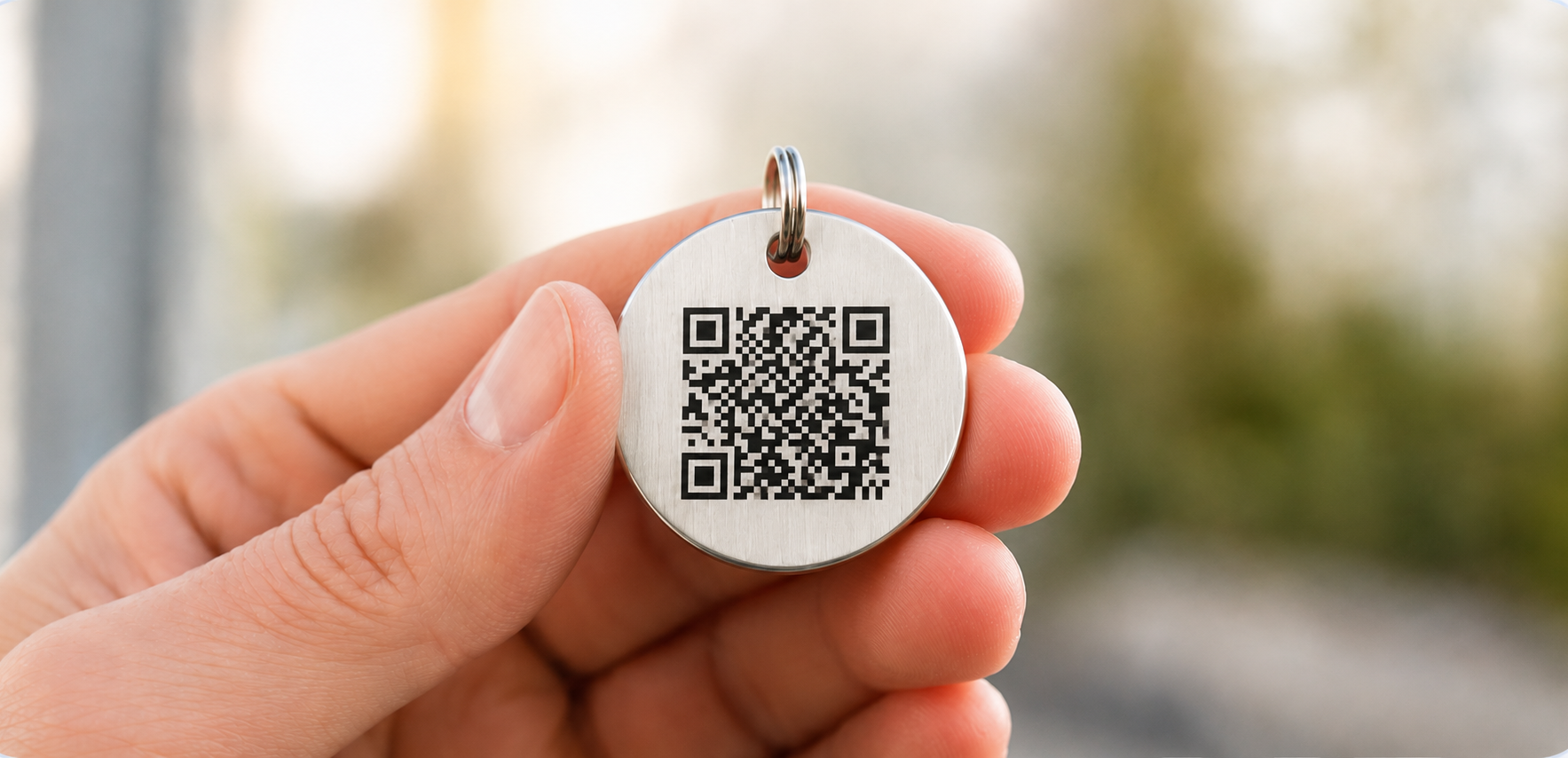
What a Finder Sees When They Scan Your Tag
A walk through the finder experience so you know exactly what your profile presents.
Knowing what the other person sees makes it easier to write a profile that actually helps.
The finder's view
- Your pet's photo, name, and description, so the finder can confirm they have the right pet.
- Handling notes and medical information you added.
- The contact options you enabled, which can include a phone number if you chose to show one.
- A clear lost pet banner if you have marked the pet as lost.
Scanning does not locate your pet
HomeSafePet does not track your pet and does not know where they are. A scan simply opens the profile page for the person holding the phone.
Voluntary location sharing
When a finder uses the found pet flow, they can choose to share their own location and a note with you. That is something the finder decides to send. It is not automatic tracking, and nothing is shared unless they agree to it.
Writing for the person who finds your pet
- Lead with the information that confirms identity: photo, name, and distinctive markings.
- Say plainly how you want to be contacted.
- Add a short handling note, for example whether your pet is nervous around strangers.
- Keep it short. A finder is standing outside with a stressed animal.